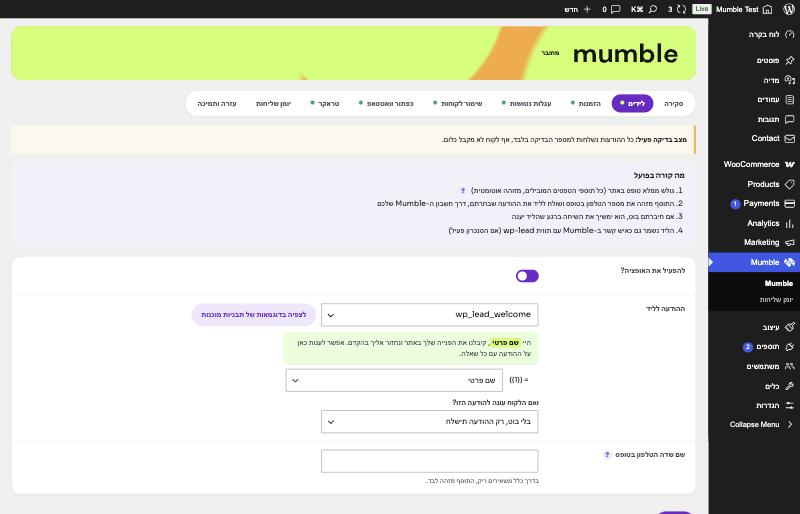
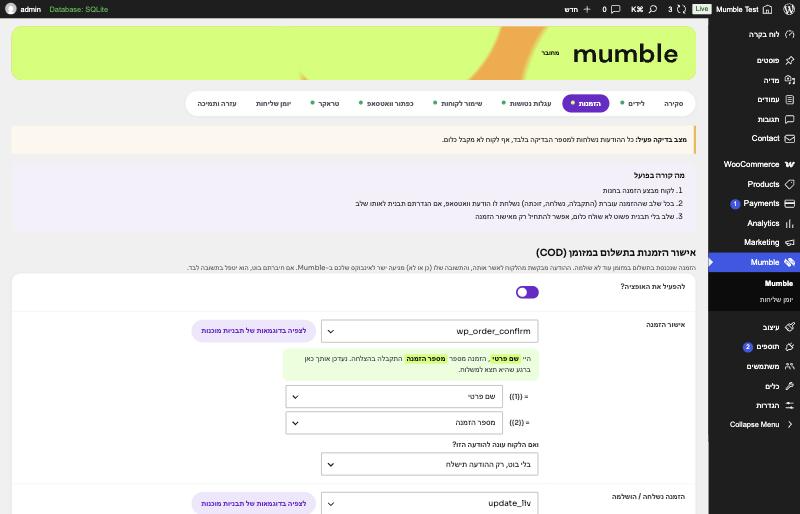
Mumble's official plugin connects your site to the WhatsApp Business API. Anyone who fills in a form gets a WhatsApp message within seconds, and store customers get order updates, abandoned cart reminders and back in stock alerts.
The plugin is free. A Mumble account with an API key is required.
Floating WhatsApp buttonA button with your branding on every page. Visitors click and land in a chat with a ready message.
Opt-in popupVisitors join your WhatsApp list and are saved in Mumble with a label.
Mumble TrackerAutomatic events: page views, leads, add to cart and purchases.
Weekly WhatsApp summaryFor the site owner: leads, orders, recovered carts and revenue.
Test modeEvery message goes only to your own number until you are ready to go live.
Template libraryReady-made templates in Hebrew and English, created in your account with one click.
Works with the forms you already use
The plugin detects 10 form systems automatically. Any other system connects with one line of code.
Elementor ProContact Form 7WPFormsGravity FormsFluent FormsNinja FormsFormidableForminatorMetFormJetFormBuilder
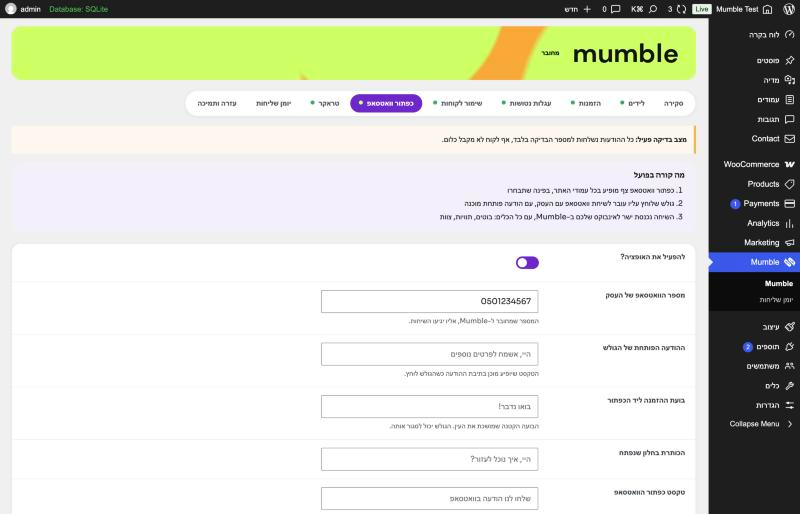
The WhatsApp button is set up from the plugin, with no code. (Screens shown in Hebrew; the plugin is also in English.)
Frequently asked questions
Do I need a Mumble account?
Yes. The plugin is the bridge between your site and your Mumble account, which holds your WhatsApp Business number and approved message templates.
Why do messages need approved templates?
WhatsApp only lets businesses start a conversation with a template approved by Meta. The plugin ships with a template library in English and Hebrew that you can create in your account with one click.
Does it work with international numbers?
Yes. Numbers in international format pass through as is. Local numbers are resolved by the billing country at checkout, the visitor's country on lead forms, or the store country.
My form isn't on the list. What do I do?
Connect it with one line of code: do_action( 'mumble_wp_lead', ... ) with the lead's phone and name.
How much does it cost?
The plugin is free. Messages are sent through your Mumble account, based on your plan and Meta message fees. See pricing.