
In short: With the Mumble plugin, a WooCommerce store sends customers automatic WhatsApp messages at every stage of the order: confirmation, shipping and refund. Cash on delivery orders get a confirmation request on WhatsApp, and every message is logged in the order notes.
Why order updates on WhatsApp
A customer who just ordered wants to know the order went through and when it arrives. An update email gets buried, and the customer calls to ask “where is my order”. A WhatsApp message gets read almost immediately, and if there’s a question, the customer replies in the same chat.
What the plugin sends
- Order confirmation right after purchase.
- Order shipped or completed when you change the status.
- Refund when you issue one.
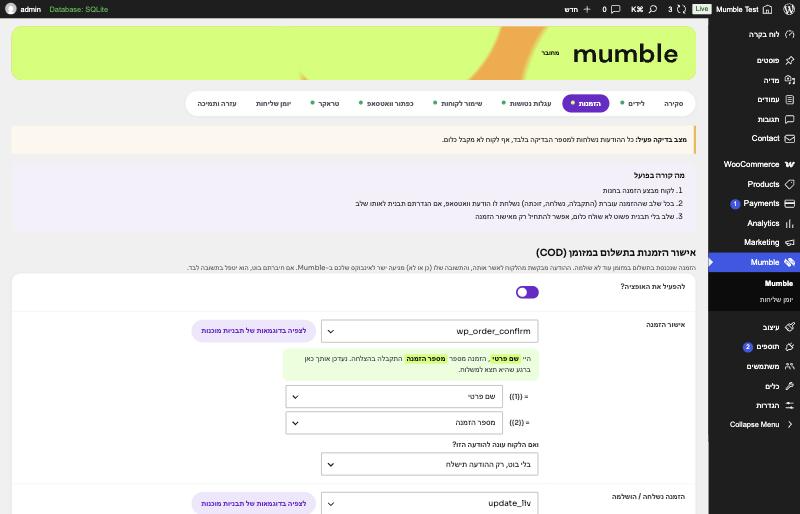
- Cash on delivery (COD) confirmation: a COD order isn’t paid yet, so the message asks the customer to confirm it. Their answer, yes or no, lands straight in your Mumble inbox.
Every message sent is recorded in the order notes, so the order screen shows exactly what the customer received and when.
Setup
- Install the plugin (Plugins → Add New → “Mumble”), paste your API key and turn on test mode.
- In the Orders tab, turn on each stage you want and pick a template for it.
- Map the variables to order data, for example
{{1}}= first name and{{2}}= order number. - Place a test order with your own number, change its status, and check every message arrives.
- Turn off test mode.
Example messages
Hi {{1}}, your order {{2}} was received. We’ll update you here as soon as it ships.
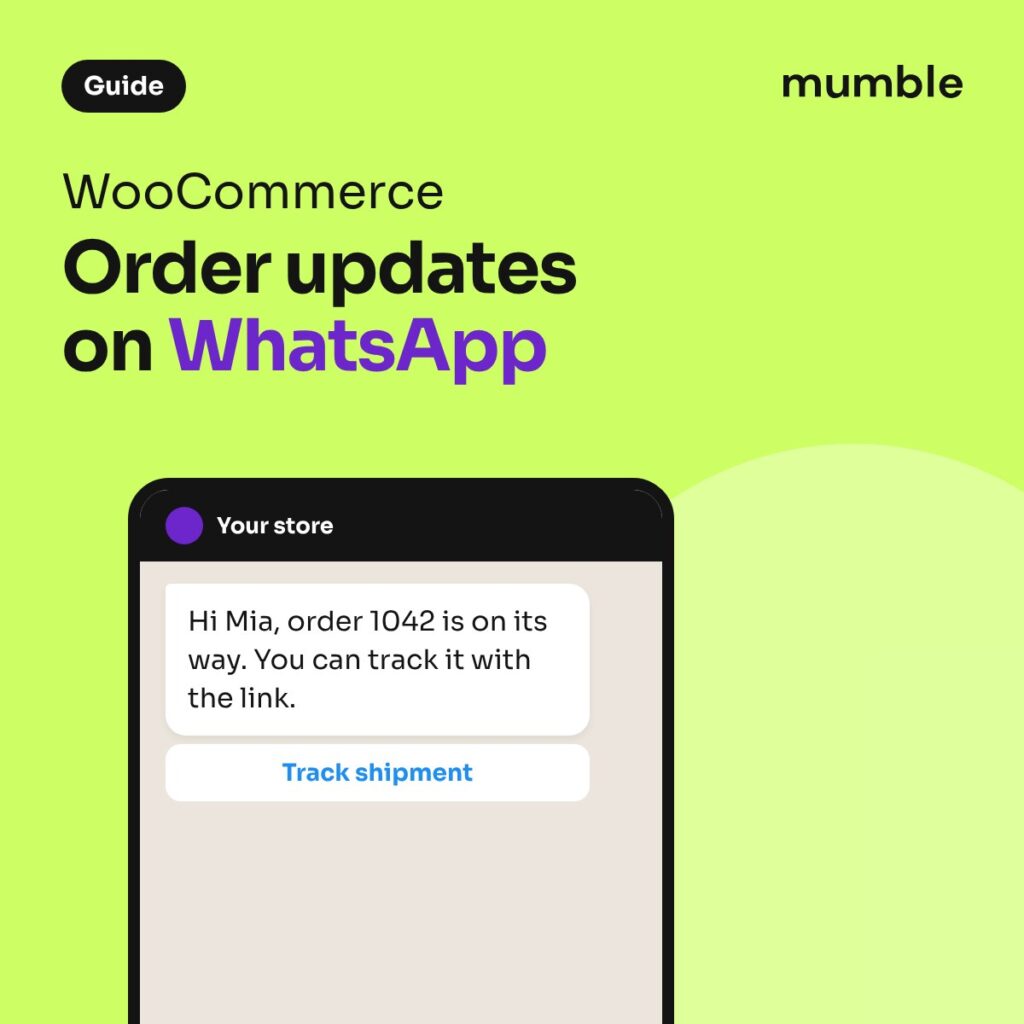
Hi {{1}}, order {{2}} is on its way. You can track it with the link.
These are utility messages, the cheapest kind. Keep offers and coupons out of them: a message with a promotion is classified as marketing and costs more. The plugin ships with ready-made templates, and you’ll find more examples in the template library.
Phone numbers
The plugin takes the phone from the billing details. Numbers in international format pass through as is, and local numbers are resolved by the customer’s billing country, or the store country if there’s none.
Next step: abandoned carts
Once order updates work, turn on abandoned cart reminders too. See the WhatsApp abandoned cart guide. Everything else is on the plugin page.