
Most customers don’t want to wait on hold anymore. They want an answer right away, in the channel they already use all day: WhatsApp.
One of our customers, a car leasing and rental company, built exactly that with Mumble: a self-service system that greets the customer on WhatsApp, routes them to the right department and even opens a service ticket with a tracking number. All of it automatic, within seconds.
Here is how it works, including what happens behind the scenes.
The challenge
The company’s call center handled every request by hand. A customer called and waited, and an agent was needed just to understand the request, route it to the right department and open a ticket. The result: overloaded agents, long wait times and complete dependence on call center hours.
The goal: move the first part of every interaction to an automated channel that is available 24/7, without hurting the experience, and with a proper ticket number for every request.
The solution
Four parts that work as one continuous flow:
- The phone system: the entry point. A customer who calls the center and presses star is moved to a WhatsApp conversation automatically
- Mumble: the WhatsApp Business API platform. It is the channel facing the customer, and the chatbot that greets, asks and routes
- monday.com: the CRM where requests and service tickets are managed
- Make: the automation layer that connects everything
How it works, step by step
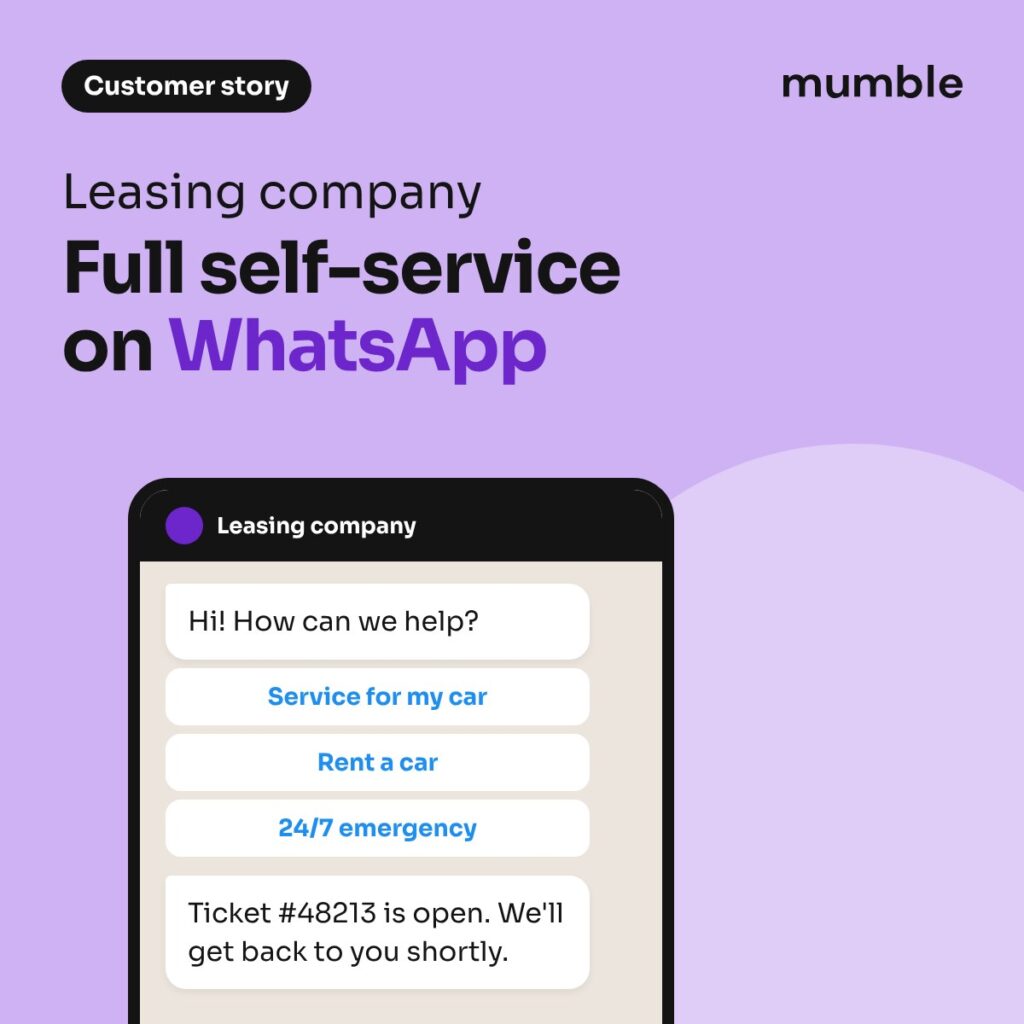
1. From a phone call to a WhatsApp message. A customer who calls and presses star immediately gets a WhatsApp message with a service menu and four options: service for an existing car, car rental, purchase and leasing, and a 24/7 emergency line.
2. Automatic routing to the right department. A chatbot built on the Mumble canvas, with no code, sees what the customer picked and sends them straight to the right team. Requests about an existing car or an emergency go to customer service, rental requests go to the rental department, and purchase requests go to sales. No more “one moment, I’ll transfer you”.
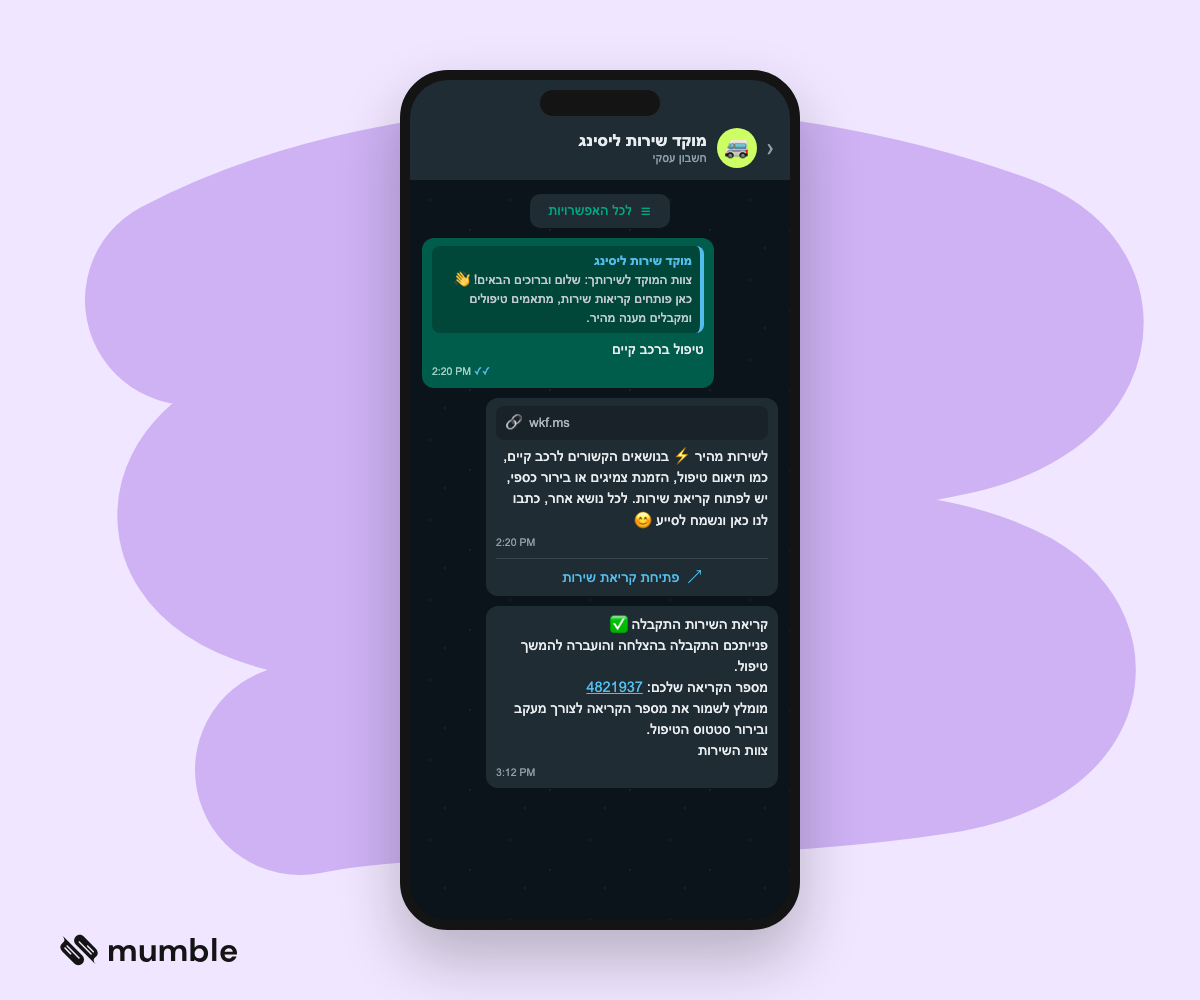
3. Opening a service ticket in one tap. A customer who wants to open a ticket gets a link to a short form. When the form is sent, a new request is created automatically in monday.com with all the details.
4. Instant confirmation with a tracking number. A Make automation watches the requests board, spots the new row as soon as it is created and sends the customer a WhatsApp message through Mumble with their ticket number. Within seconds, with no one touching it. The customer knows right away that the request was received, and has a reference number for any follow-up.
Behind the scenes
Projects like this look simple from the outside, but stability is what separates a one-time demo from a system that works in production every day.
Two things got special attention. First, proper webhook verification with the CRM, so the connection between monday.com and Make is created correctly and stays stable. Second, a safety layer that makes sure the flow never fails silently: if unexpected data comes in, the system doesn’t disconnect. It saves the event for review and keeps working. A customer is never left without an answer because of a silent technical error.
The result
- 24/7 availability in the channel customers already like, without depending on call center hours
- Automatic routing to the right department: faster answers, and agents handle real requests instead of sorting them
- Automatic ticket confirmation with a tracking number, which feels professional from the first second
- A flow that is easy to extend to more departments, scenarios and request types
The bottom line
You don’t need a huge project to improve customer service. You need to connect the channel customers like, WhatsApp, with the CRM you already have and a smart automation layer. The result is a faster, more organized and more human experience that also takes load off the team.
More on the tools used here: the chatbot builder and connecting Mumble to Make.