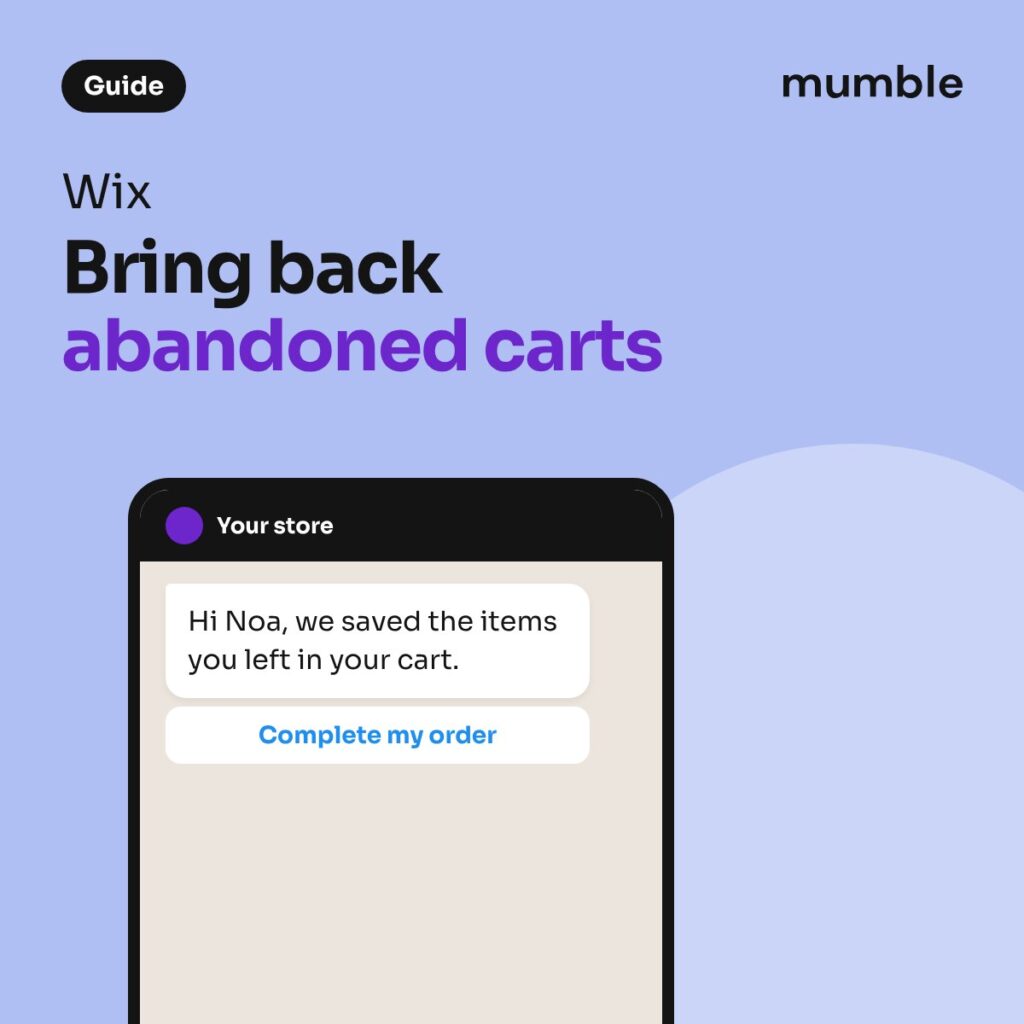

In short: with the Mumble app for Wix, a customer who leaves items in their cart in your Wix store gets up to two WhatsApp reminders, with a link that brings them back to the cart in one tap, and an optional single-use coupon. Reminders go only to customers who agreed to receive marketing messages.
Why WhatsApp and not just email
Many customers get all the way to checkout and leave. An abandoned cart email lands in the promotions tab and often goes unopened. A WhatsApp message reaches the customer’s phone, gets read quickly, and its link takes them back to the cart without searching for the products again. If they have a question, about a size or delivery time for example, they reply in the same chat.
What you need first
- A Wix site with a store (Wix Stores), with the Mumble app installed and connected. Setup is covered in the order notifications guide.
- A Meta-approved marketing template for each reminder.
- Marketing consent from customers: through the app’s opt-in popup or any other marketing signup in Wix.
Important: consent before sending
An abandoned cart reminder is a marketing message, so send it only to customers who agreed to receive messages like this. Sending to people who didn’t agree leads to blocks and spam reports, which hurt your number’s quality rating and can get it restricted. Also add an opt-out button to the reminder, so anyone who doesn’t want it can unsubscribe in one tap.
How it works
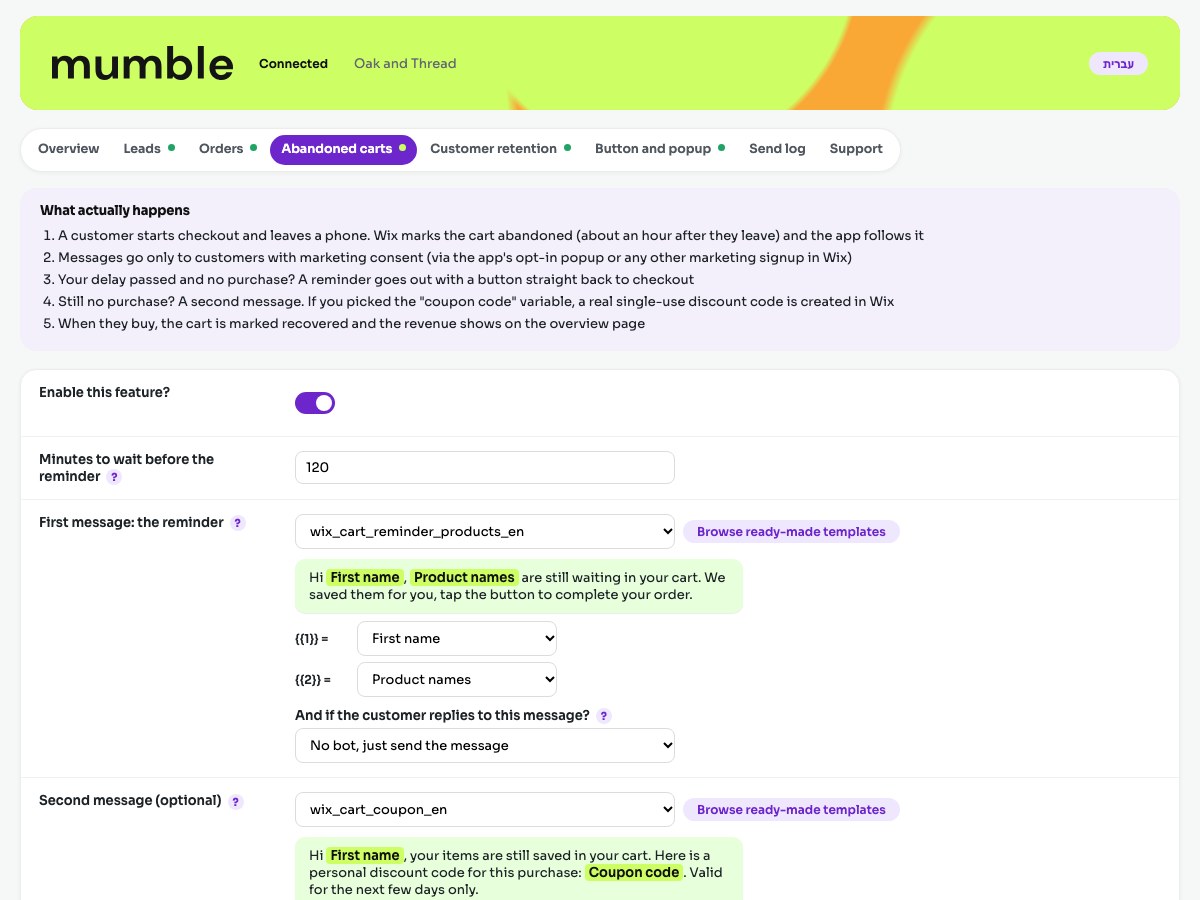
- The customer starts checkout, leaves a phone number and leaves. Wix marks the cart abandoned about an hour after they leave, and the app follows it.
- Your delay passed (in minutes, for example 120) and no purchase? A reminder goes out with a button straight back to checkout.
- Still no purchase? An optional second message. If you pick the “coupon code” variable in it, a real single-use discount code is created in Wix.
- When they buy, the cart is marked recovered and the revenue shows on the app’s overview page.
Example messages
Hi {{1}}, {{2}} are still waiting in your cart. We saved them for you, tap the button to complete your order.
Hi {{1}}, your cart is still waiting. Use code {{2}} for 10% off your order, valid for 48 hours.
Two reminders are enough. More than that feels pushy and makes blocks more likely. More examples are in the template library.
Tips that make a difference
- Product names in the message. The “product names” variable reminds the customer exactly what they left, which works better than “you left something in your cart”.
- Coupon in the second reminder only. That way customers who would have come back anyway don’t get an unnecessary discount.
- Short and personal. A first name and one clear button work better than long text.
- Reply fast. A customer who answers a reminder with a question is close to buying. Replies land in the Mumble inbox, where your whole team can answer.
- Measure. The overview shows how many carts got a reminder, how many were recovered and how much revenue came back, for each message.
More for your store
Order and shipping updates: the Wix order notifications guide. Everything the app does is on the Wix app page, and you can see the same features for WordPress in the WooCommerce abandoned cart guide.