

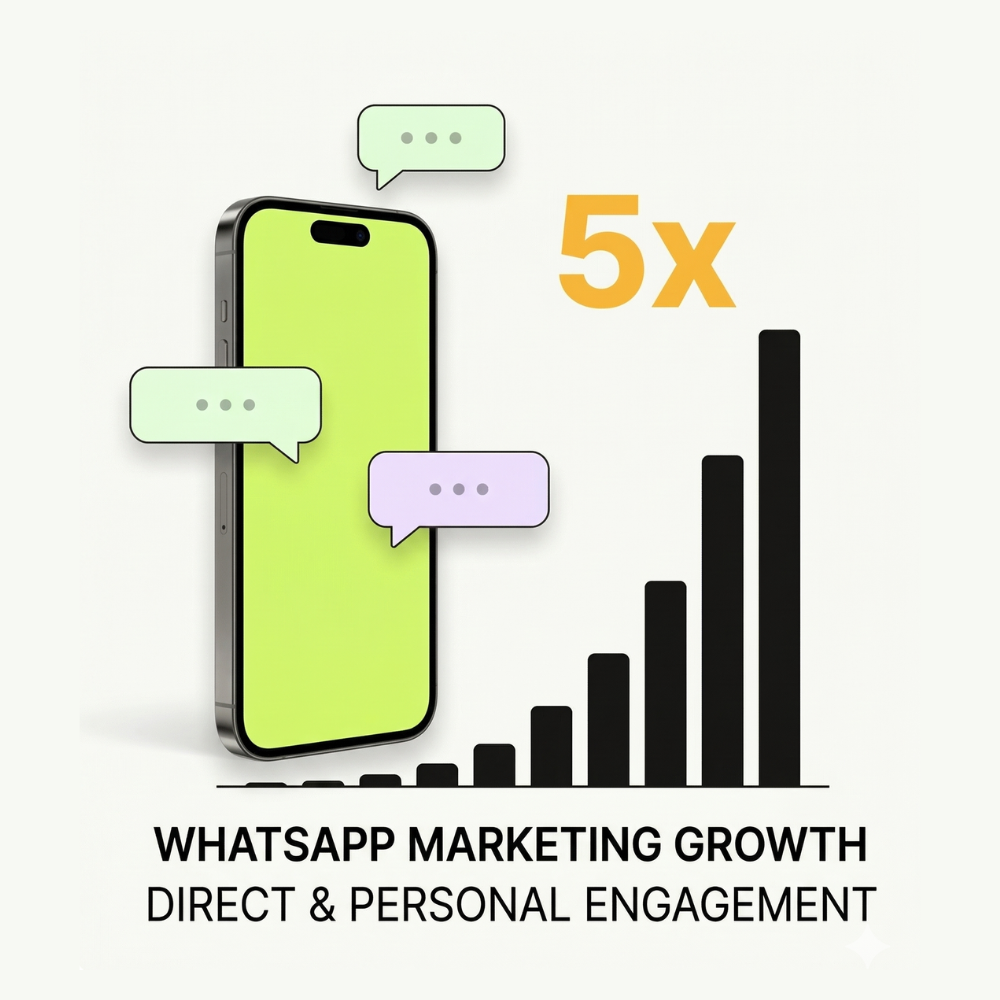

In short: WhatsApp marketing often earns more than email because people actually read it and can reply right away. But each WhatsApp message costs more, and Meta has strict rules. The return is higher only when you send relevant messages to customers who asked to hear from you.
Where the difference comes from
These are commonly reported industry ranges, not guarantees.
| Marketing email | WhatsApp marketing | |
|---|---|---|
| Read rate | About 20% to 40% | Often above 80% |
| Click rate | About 1% to 5% | Often 10% or more with buttons |
| Customer reply | Hours or days, if at all | Often minutes |
| Cost per message | A fraction of a cent | Charged by Meta for each delivered message |
The real advantage is the conversation. When a customer replies, your team, a chatbot or Dolores AI can answer right away and close the sale in the same chat.
What it costs
- Marketing messages are Meta’s most expensive category, and you pay for each one delivered, read or not.
- Replies are charged too, after a free monthly allowance.
- Click-to-WhatsApp ads start chats with no Meta charge for 72 hours.
Details: Paying Meta and WhatsApp Messaging Costs.
The rules that protect your return
- Send only to customers who agreed to get WhatsApp messages from you.
- Watch your quality rating. Blocks and reports can pause your templates. See WhatsApp Quality Rating.
- Don’t over-send. Meta limits how many marketing messages one person gets from all businesses, so some sends aren’t delivered.
- US (+1) numbers don’t receive marketing messages right now.
Your first campaign in Mumble
- Create a list of your most engaged customers who agreed to hear from you.
- Write a short marketing template with one clear offer, the customer’s name and a button.
- Send it, or schedule it, from the Campaigns page.
- Make sure an agent, a chatbot or Dolores AI is ready for replies.
- Check the campaign report: delivered, read, button clicks and replies. Compare the revenue with your last email, counting the cost on both sides.
Step by step: Sending a WhatsApp Campaign in Mumble.
Start small, learn what your customers respond to, and grow from there.
