

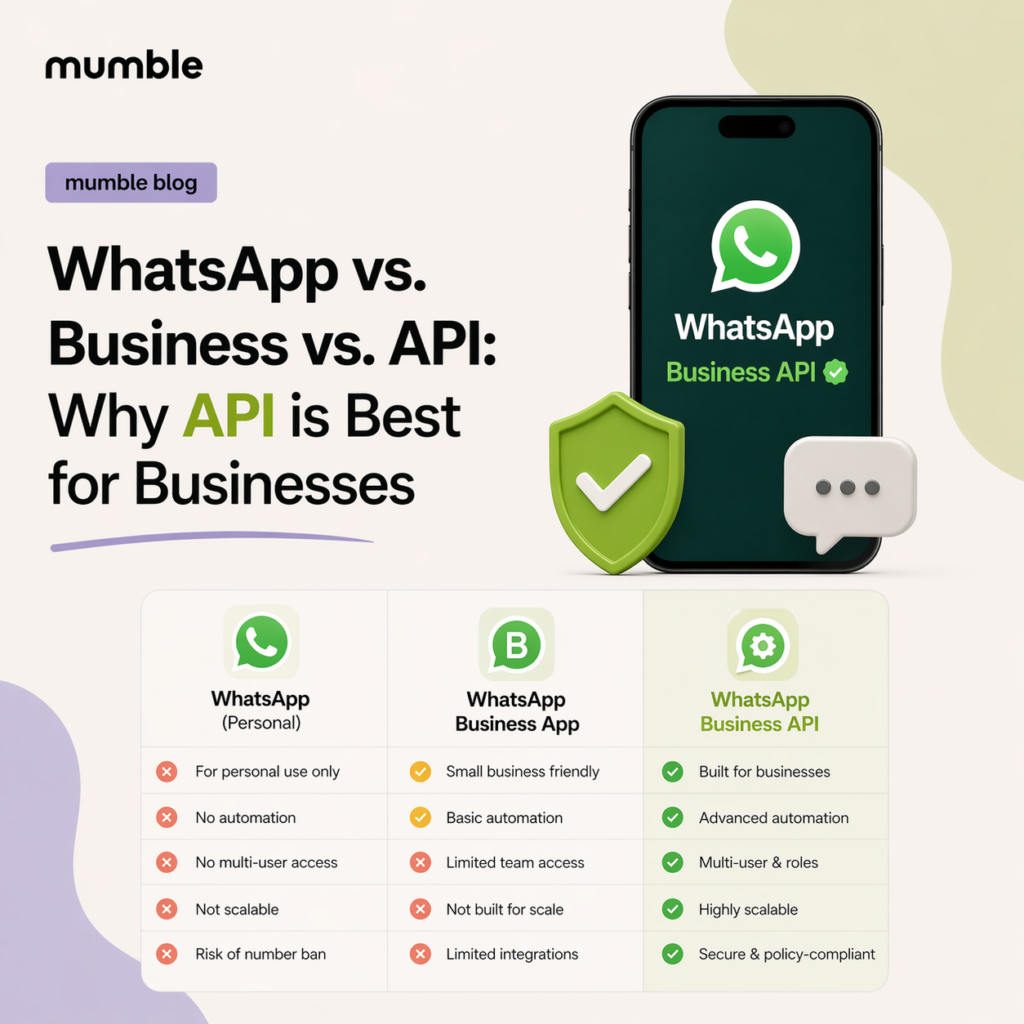

In short: There are three versions of WhatsApp for business: the regular app, the free WhatsApp Business app, and the WhatsApp Business API. The apps work for personal use and small businesses. The API is built for teams that need a shared inbox, automation, integrations and campaigns.
Side by side
| WhatsApp Business app | WhatsApp Business API | ||
|---|---|---|---|
| Built for | Personal use | Small businesses | Growing teams |
| Users | One phone | One phone and a few linked devices | Many agents in one inbox |
| Automation | None | Greeting and away messages | Chatbots, rules, AI agents |
| Integrations | None | None | CRM, store, Make, Zapier |
| Bulk messages | None | Broadcast lists | Campaigns with reports |
| Cost | Free | Free | Platform plan plus Meta’s charges per message |
Where the WhatsApp Business app stops
The WhatsApp Business app adds a business profile, quick replies, labels, a catalog and broadcast lists. As you grow, the limits show:
- The team shares one login on a few devices.
- There is no way to assign chats to agents.
- It doesn’t connect to your CRM or store.
- Automation is only greeting and away messages.
What the API adds
The WhatsApp Business API connects your number to software like Mumble, instead of a phone. That gives you:
- A team inbox: many agents on one number, each chat assigned to an agent or team.
- Integrations: WhatsApp connected to your CRM, store or help desk.
- Automation: chatbots and background rules.
- Campaigns: approved templates to large opted-in lists, with delivery and read reports.
- AI agents: a business-specific agent, such as Dolores AI, that answers from your own business knowledge.
The API also has rules: customers must agree to receive messages, and free text is allowed only within 24 hours of the customer’s last message. Meta charges per delivered message. See The 24-Hour Conversation Window and Paying Meta and WhatsApp Messaging Costs.
Is the API right for you?
Choose the API if several people answer customers, you want WhatsApp connected to other systems, or you want campaigns and automatic replies. For a one-person business with a few chats a day, the app may be enough for now.
Moving doesn’t mean giving up the app. With Coexistence, you connect the number you already use and keep the app on your phone. See Migrating to Mumble: Moving your Number from the App to the API.
When you’re ready to see the API in practice, you can try Mumble.
